


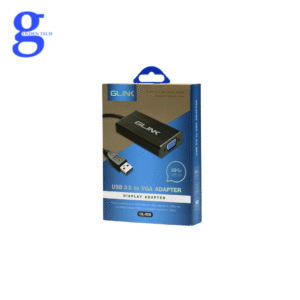
The USB 3.0 to VGA display adapter lets you connect a standard VGA monitor to a Windows computer via a USB 3.0 or USB 2.0 port. You’ll need a separate adapter for each monitor you want to connect over USB, up to a maximum of six adapters per computer.
It’s fully powered via the USB port. The adapter supports resolutions up to 1920×1080 when connected to a USB 3.0 port (and up to 800×600 only when connected to a USB 2.0 port).
When you connect the adapter to your computer, graphics processing is still handled by your device’s CPU and GPU.
The USB graphics adapter drivers installed on the operating system compress the pixels and send them to the USB adapter as soon as they’re updated.
The adapter’s built-in chipset decodes this data and displays it on the monitor.

Reviews
There are no reviews yet.